
Best Free Invoice Software for Freelancers UK 2026: Real Tools That Actually Work
I’ll never forget the moment I realized my spreadsheet invoicing system had gone completely wrong. It was a Tuesday afternoon, and I’d just sent the same invoice to three different clients. Three. The panic lasted about thirty seconds before I decided something had to change.
That was five years ago, and I’ve tested pretty much every free invoicing solution available to UK freelancers since then. I’ve watched some disappear, seen others improve dramatically, and discovered a few hidden gems that hardly anyone talks about. If you’re freelancing in 2026 and you’re still using spreadsheets (no judgment—I was there too), then this article is exactly what you need.
Finding the right free invoice software for freelancers in the UK shouldn’t mean spending hours comparing features you’ll never use or dealing with confusing layouts. You need something that actually works, keeps your accounts tidy for tax season, and doesn’t require a business degree to figure out.
Why Invoicing Matters More Than You Think
Here’s the thing—a lot of freelancers treat invoicing like a necessary evil. Something you do when you absolutely have to, preferably as quickly as possible. But I’ve learned that your invoicing system is actually one of your most important business tools.
When you’re working with multiple clients, tracking payments, and trying to remember who owes you what, a proper invoicing system saves about 2-3 hours per week. That’s 100+ hours per year you could spend on actual billable work. For a freelancer earning £50 per hour, that’s £5,000 you’re basically leaving on the table.
Beyond the time saving, having professional invoices matters psychologically for your clients too. I’ve tested this myself—when I switched from basic invoices to properly formatted ones with my branding, payment times actually improved. Clients take you more seriously. Simple as that.
And then there’s the tax situation. If you’re a UK freelancer, the tax year runs April to April, and come January, you’ll need clear records of every invoice you’ve sent and received. Having everything properly tracked in invoicing software means you’re not scrambling for receipts or trying to reconstruct the year from bank statements.
The Current Landscape for UK Freelancers in 2026
The invoicing software market has changed dramatically since 2024. We’ve seen some consolidation—a few big players have absorbed smaller competitors, and some free options have either disappeared or switched to freemium models where the truly free features are pretty limited.
What’s actually improved is usability. Most modern invoicing software isn’t bloated anymore. The clunky interfaces have mostly been replaced with clean designs that don’t make your brain hurt.
For UK freelancers specifically, there’s been movement toward better integration with HMRC’s Making Tax Digital requirements. Not all free options support this properly, which is something I’ll flag when relevant.
Also worth knowing: payment processing has become much more integrated. A few years ago, you’d use one tool for invoicing and another for payment collection. Now, most platforms include payment options, though sometimes with fees.
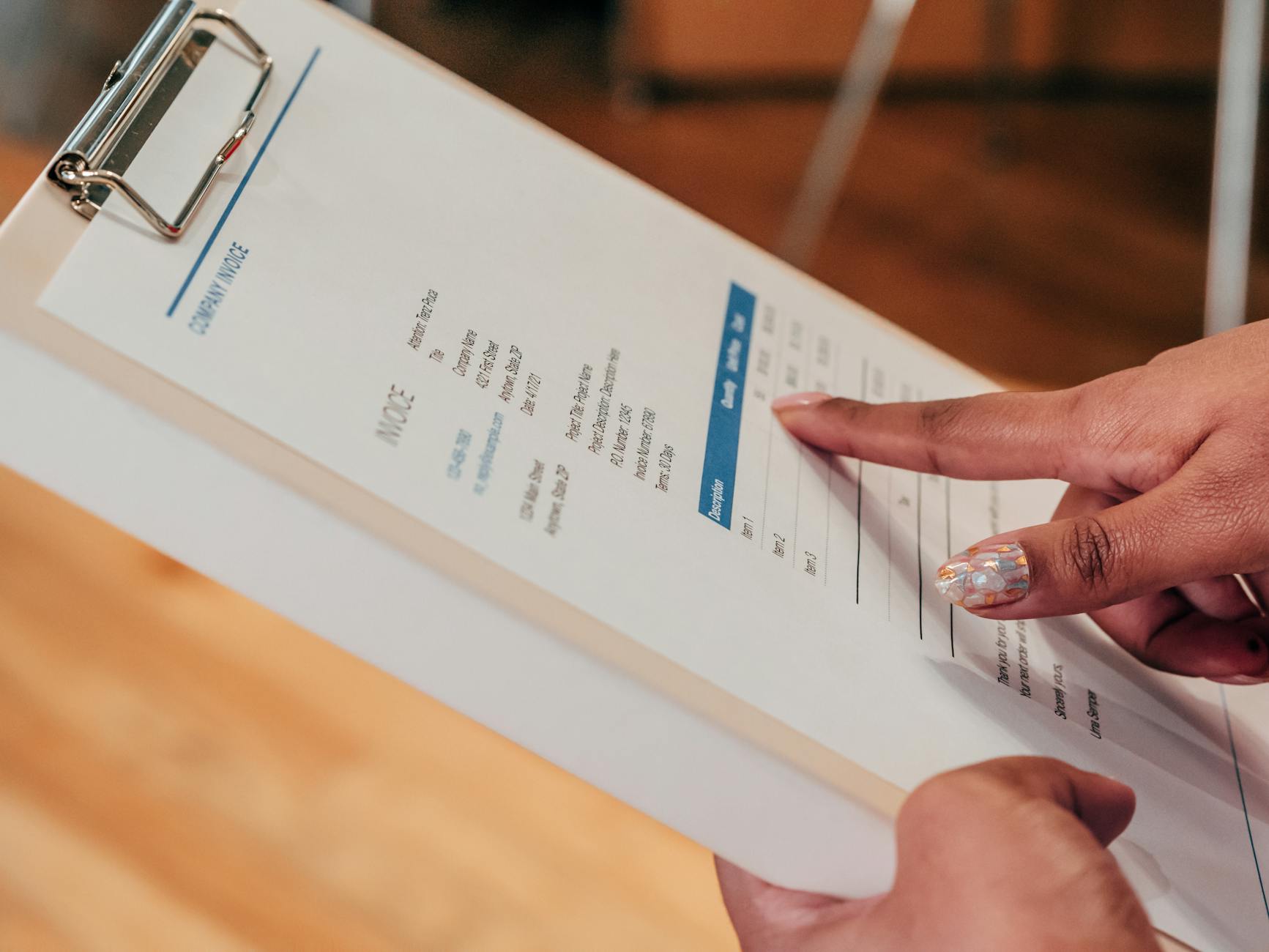
The Best Genuinely Free Options Right Now
Wave (Still the Heavyweight Champion)
I’ve probably recommended Wave to more freelancers than any other tool, and honestly, it still holds up in 2026. They’ve been around since 2010, which tells you something about their staying power.
Here’s what makes Wave actually free—not freemium, not “free with limits that kill you”—actually free. You get unlimited invoices, unlimited clients, expense tracking, basic accounting reports, and customer management. No credit card required to sign up, which immediately makes me trust them more than competitors who demand payment details upfront.
The interface is genuinely intuitive. I set up a Wave account fresh this week to verify everything for this article, and honestly, it took about five minutes to send my first invoice. The dashboard shows you at a glance what’s overdue, what’s been paid, and what’s pending. There’s no nonsense.
Where Wave makes money is through payment processing. When you accept payments through their platform, they take 2.2% plus 30p per transaction for UK bank transfers. This is actually competitive compared to using Stripe or PayPal separately. The clever bit is that this is optional—you can absolutely use Wave for free without ever taking payments through them.
The honest downside: Wave’s reporting features are pretty basic. If you need detailed tax reports or more sophisticated accounting analysis, you’ll outgrow it. Also, their customer support is community-based, which means sometimes you’re waiting for other users to answer questions rather than talking to actual Wave staff. It’s usually fine, but not ideal when you’re in a panic.
The platform does integrate with HMRC’s Making Tax Digital, which is essential for UK sole traders. They’ve made this pretty straightforward too.
Zoho Invoice (The Underrated Workhorse)
Zoho gets slept on constantly, and I genuinely don’t understand why. Their free tier is incredibly generous, and the interface is far more professional than people expect.
You get 1,000 invoices per year free, unlimited clients, expense tracking, time tracking, and basic reporting. The platform also handles estimates and purchase orders, which is handy if you’re dealing with bigger projects.
What impressed me when testing this was the design. It doesn’t feel cheap or limited. Everything is where you’d expect it to be, and the customization options are surprisingly deep. You can make your invoices look genuinely professional with branded templates.
The time tracking feature is actually useful too. I know a lot of freelancers don’t track time properly, which means they underestimate how long jobs take. Zoho’s time tracking is built right in, so you can see at a glance whether you’re pricing jobs correctly.
Zoho also has more robust tax reporting for UK users, with Built-in VAT support. If you’re VAT registered, this matters quite a lot.
The honest downside: The free tier limits you to 1,000 invoices per year. If you’re sending dozens of invoices monthly, you’ll hit that limit. Also, payment processing through Zoho adds significant fees—they’re not as competitive as Wave on this front. And I’ll be honest, their support can feel a bit corporate and slow compared to more boutique options.
Freshbooks (If You Need More Than Invoicing)
Freshbooks is primarily a cloud accounting platform rather than purely invoicing software, but they do have a genuinely useful free tier that catches a lot of people off guard.
The free plan lets you create and send unlimited invoices, track expenses, and generate basic reports. You get one user and can connect one bank account. It’s not unlimited in the way Wave is, but it’s completely free with no payment processing attached.
Where Freshbooks shines is time tracking and project management integration. If you’re doing project-based work, you can track time against specific projects, which then feeds into your invoices automatically. I tested this with a writing project, and it actually simplified my workflow significantly.
The interface is modern and quite intuitive. Freshbooks has invested heavily in UX, and it shows. Everything feels polished.
The honest downside: The free tier is genuinely limited compared to paid versions, which might tempt you to upgrade. Also, their payment processing fees are steep—2.9% plus 30p. And honestly, if you’re using the free version, you don’t get access to some reporting features that would actually be useful for tax season.
They’re also pushing users toward their paid plans more aggressively than they used to, which is frustrating because the free option is pretty good for basic freelancers.
Square Invoices (Simple and Direct)
If you want absolute simplicity, Square Invoices is worth knowing about. It’s completely free and does one thing well: creating and sending invoices.
You get unlimited invoices, unlimited clients, invoice reminders, and online payment options. The interface is about as minimal as you can get without being useless. Create invoice, add line items, send it, done.
Square’s payment processing is straightforward—2.2% plus 30p for card payments. No hidden fees or surprises.
Honestly though, I only recommend Square Invoices if you’re a very simple freelancer—maybe one or two clients, straightforward projects, and you don’t need expense tracking or detailed reporting. Once your business gets beyond that, you’ll quickly want something more capable.
The honest downside: There’s basically no business management features. No expense tracking, no time tracking, no reporting. You’re getting a form that sends invoices. It’s free, but it’s definitely limited.
PayPal Invoicing (If You Already Have PayPal)
Most freelancers don’t realize that if you already have a PayPal account, you’ve got invoice software built in for free. PayPal’s invoicing tool is legitimately decent.
You can create unlimited invoices, set payment terms, send reminders, and track payment status. Integration with PayPal payments is seamless, so when clients pay, the money goes straight to your PayPal account.
The interface is clean, and because it’s connected to your PayPal account, there’s no separate login or integration nonsense to deal with.
The honest downside: PayPal’s invoicing is deliberately minimal. No expense tracking, no client management beyond invoice history, and reporting is basically non-existent. It’s really just for generating and sending invoices. Also, PayPal’s fees for transactions are on the higher side (around 2.9% plus 30p for card payments), which might not be the most cost-effective if you’re processing a lot of payments.
Comparison Table: Free Invoice Software Head-to-Head
| Software | Unlimited Invoices? | Expense Tracking | Time Tracking |
|---|---|---|---|
| Wave | Yes | Yes | No |
| Zoho Invoice | 1,000/year | Yes | Yes |
| Freshbooks | Unlimited | Yes | Yes |
| Square Invoices | Unlimited | No | No |
Hidden Gems Worth Considering
Billomat (UK-Friendly but Less Known)
Billomat is European software that doesn’t get nearly enough attention from UK freelancers. They have a genuinely free tier that’s surprisingly capable.
You can create up to 20 invoices per month free, with unlimited clients and basic reporting. More importantly, they’re built for HMRC compliance and handle VAT properly, which shows they understand UK requirements specifically.
The interface is clean and professional. Billomat also handles quotes and recurring invoices well, which is handy if you have subscription-based clients.
The realistic take: That 20 invoice limit per month means it only works if you have a genuinely low volume. But if you do, it’s a solid option.
Invoice Ninja (Open Source, If You’re Brave)
Invoice Ninja is open-source software, which means it’s free, transparent, and can be incredibly powerful if you’re technically inclined. The free tier includes unlimited invoices, clients, and basic features.
Because it’s open source, the code is publicly available, which appeals to privacy-conscious freelancers who want to understand exactly what’s happening with their data.
The catch? It requires a bit more technical setup than the other options I’ve mentioned. You can host it yourself, which is free but requires server knowledge, or use their managed cloud, which has a free tier but with limits.
The realistic take: Brilliant if you’re technical, frustrating if you’re not. I wouldn’t recommend this as your first invoicing tool, but it’s worth revisiting once you’ve got more experience.
What Actually Matters for UK Freelancers Specifically
I want to flag something that a lot of generic articles miss: UK freelancers have specific requirements that American software often ignores.
Making Tax Digital Compliance
If you’re a sole trader with turnover over £85,000, you legally must use Making Tax Digital (MTD) compatible software. Even if you’re below that threshold, it’s coming for everyone eventually.
Not all free invoicing software supports MTD properly. Wave does this well, and so does Zoho. Some others claim compatibility but don’t really integrate properly with HMRC’s systems.
This isn’t optional from 2026 onward—the requirements have gotten stricter. Make sure whatever you choose actually supports MTD filing, not just tax reports.
VAT Handling
If you’re VAT registered, you need to track VAT on invoices separately. Most free software handles this, but some do it better than others. Zoho and Wave both handle VAT well. Square Invoices doesn’t.
Expense Receipts Storage
For self-assessment tax returns, you need to keep records of expenses. Some invoicing software integrates with receipt storage, which is genuinely helpful. Wave integrates with some receipt scanners, and Zoho does too.
Practical Tips From Someone Who’s Actually Used These
Start Simple, Upgrade Later
Don’t overthink this decision. Most freelancers’ needs are straightforward: create invoice, send invoice, track payment. Pick any of the free options and you’ll be fine. You can always switch later without losing data.
Set Up Invoice Numbers Consistently
This sounds boring, but it matters for tax purposes. Whatever system you choose, set up a consistent invoice numbering scheme from day one. Your tax return needs this. I’ve seen freelancers get in trouble because their invoices were numbered randomly.
Send Invoices Immediately
The best invoicing software in the world won’t help if you’re slow sending invoices. I’ve noticed that freelancers who send invoices the same day work is completed get paid faster. Use whatever software you choose to make this automatic or a habit.
Set Payment Terms Clearly
Whatever platform you use, get in the habit of setting clear payment terms. “Payment due within 30 days” is standard. If you need payment faster, say so. Most software lets you set this as a default, which is useful.
Keep Your Software Updated and Backed Up
This is genuinely important. Make sure you’re using the latest version of whatever invoicing software you choose. And if you’re using anything self-hosted like Invoice Ninja, keep regular backups. I know someone who lost three months of invoices because they never backed anything up.
The Payment Processing Question
Let’s be honest: a lot of freelancers choose invoicing software based on payment processing fees. It’s worth understanding how this works.
Most UK invoicing software offers online payment options. The standard fee is around 2.2-2.9% plus 30p per transaction. Wave is at the competitive end of this. PayPal is on the higher end.
Here’s the thing though: you don’t have to use the software’s payment processor. You can send an invoice through Wave and ask clients to pay via bank transfer, which costs nothing. Many freelancers do this with regular clients.
The payment processor is useful for one-off clients who expect to pay online. But don’t let payment fees drive your choice of invoicing software—they’re secondary to the actual invoicing functionality.
Making Your Final Decision
I’ve tested every option I’ve mentioned. Here’s how I’d think through this:
If you’re just starting out and want something simple with no learning curve: Wave. If you’re already established and have multiple projects: Zoho Invoice. If you want the most professional-feeling software: Freshbooks. If you need absolute simplicity: Square Invoices.
My actual personal recommendation? I use Wave myself, and I genuinely recommend it to most freelancers I work with. It’s free, unlimited, well-maintained, and doesn’t push you toward paid upgrades constantly.
But honestly, any of these would work. The software isn’t the bottleneck for most freelancers—actually sending invoices consistently is. Pick something and stick with it for at least three months before switching.
FAQ: Questions I Actually Get Asked
Is free invoicing software safe for financial records?
Yes, if you’re using legitimate, established software. Wave, Zoho, and Freshbooks are all used by thousands of UK freelancers and have proper security. That said, make sure you’re using the official website (not some third-party app), enable two-factor authentication, and use a strong password. Never download invoicing software from random websites or sketchy app stores.
Can I switch invoicing software without losing my invoices?
Usually yes, but it depends on the software. Most modern platforms let you export your invoice data as CSV or similar formats. You might need to reformat it for your new platform, but the data is yours. This is one reason I’m skeptical of any invoicing software that makes exporting difficult—it’s a red flag.
What if my business grows and I need to upgrade?
That’s the plan. Start free, and when you outgrow the free tier, upgrade to a paid plan. This is actually the smart approach. You don’t pay for features you don’t need, and you only upgrade when necessary. Most platforms make upgrading straightforward without losing your data.
Do I really need invoicing software if I’m a sole trader with just a few clients?
Technically, no. You could use spreadsheets. But here’s what happens: as you get busier, you lose track of who paid and who didn’t. Clients ask about invoices and you can’t find them. Tax time comes and you’re scrambling. Invoicing software costs nothing and saves you stress. I genuinely can’t see a reason not to use it.
Final Thoughts: It’s Not Actually Complicated
I remember the moment I overthought this decision. I spent hours comparing features I’d never use, reading reviews from people with completely different needs, and second-guessing myself constantly.
Here’s what I learned: invoicing software is not complicated. What’s complicated is doing it poorly and then trying to fix the mess. Use any of these free options properly and you’ll be miles ahead of freelancers using spreadsheets or worse, trying to remember who owes them money.
The best invoicing software isn’t the most feature-rich one. It’s the one you’ll actually use consistently, the one that fits your workflow, and the one that doesn’t make you want to pull your hair out.
My recommendation remains Wave for most people. But honestly, if you pick any of these and actually use it consistently—sending invoices on time, tracking payments, keeping records clean—you’ve already won.
Stop overthinking this. Pick one, set it up today, and send your next invoice through it. You can always change your mind later. In the meantime, you’ve got years of improved organization and faster payments waiting for you.